
Connect MetaTrader 5
Enter your MT5 login, password and server, turn on Algo Trading and press Test connection. Not ready yet? Practise first: simulated money on real forex and gold prices.
- Demo or real
- Algo Trading
- Practice
ColdBot trades your MetaTrader 5 account. It researches every market, tests 28 strategies on prices they've never seen, reads the market news, and trades only what holds up. Your loss limits apply to every order.

Market watch
How it works
A MetaTrader 5 account, the hours it may trade, and how much of the account it may lose. From there ColdBot researches, trades, protects and reports on its own.
Enter your MT5 login, password and server, turn on Algo Trading and press Test connection. Not ready yet? Practise first: simulated money on real forex and gold prices.
Pick markets and trading sessions (London + New York in one click), what each trade risks, and how far the account may fall before everything stops.
It researches each market, trades only those that pass, reads the news, manages stop-losses and trailing exits, and tells you about every trade on your phone.
Honest by design
Pick the best of 28 strategies on past prices and you'll always find something that looks like an edge, even in pure noise. So ColdBot tests its own selection procedure on periods it never saw before it risks anything.
Prices with no real edge in them, so every market accepted is a false positive. Lower is better.
Real-data lab
Every week the bot runs its own research on 2 years of real hourly prices for 7 markets, with realistic spreads, exactly as it would before trading them. This week research would trade 1 of the 7. The other 6 showed no edge that held up on prices research hadn't seen, so the bot would leave them alone.
Updated3 November 2026
Each result is how research's choices did on test periods it never saw while choosing. It shows how strict the check is, not what the bot will earn.
Features
Setup, starting and stopping, research, markets, analysis, backtests, alerts and settings. No command line needed after installing.
Tests all 28 strategies on every market across all CPU cores, then picks direction and trade style. Every Saturday it also searches your broker's other markets for ones worth adding.
An account stop, a daily loss limit and an order cap. Trades get smaller in a losing stretch, and an optional daily profit target locks in a good day.
See where a tested strategy wants a position right now, safest first: entry, stop, target, money at risk, the size in lots, and a safety score. Pick ½× to 2× the usual size; the bot manages the rest.
Every 15 minutes it reads market headlines from free feeds and works out who they're about and which way. By default it won't open a trade against strong news. Exits are never affected.
18 forex pairs, metals, oil and indices with today's move, the usual daily range in pips and a technical verdict, plus currency strength and which markets move together.
20 indicators voting on four bar sizes, pivot points, when each market moves, this week's economic calendar, and calculators for position size, pip value and margin in your currency.
Support and resistance, where the strategy wanted in, the bot's own trades, and the exact close that would trigger the next signal: "Buy signal if a bar closes below 1.0812."
Win rate, profit factor, drawdown and average win and loss, plus profit by market, by day, long vs short and by strategy, with every bar labelled.
Alerts for every trade and problem, a weekly report every Sunday, and commands to check, start, stop or close from your chat. Discord, Slack and email alerts too.
Take a look
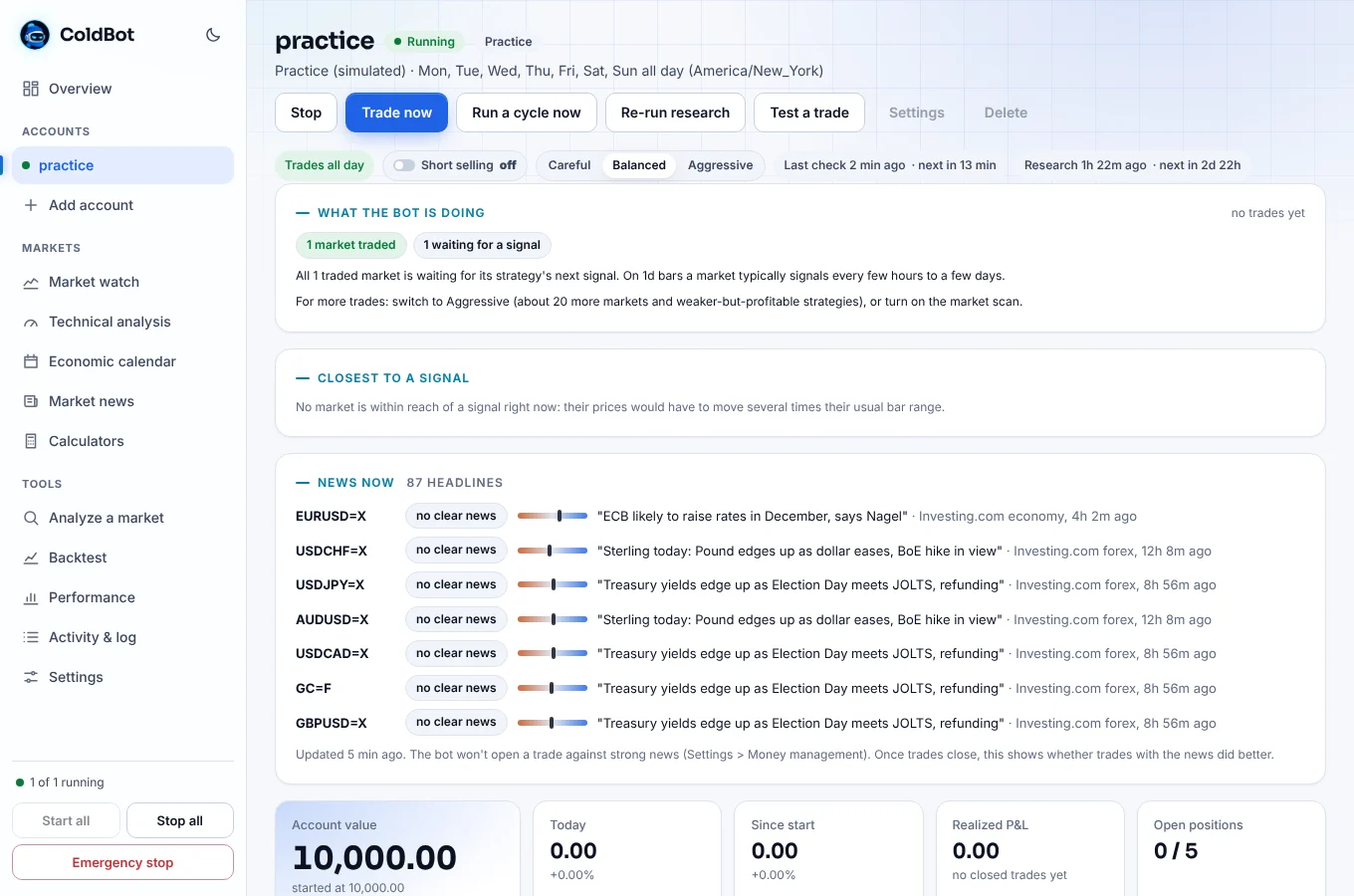
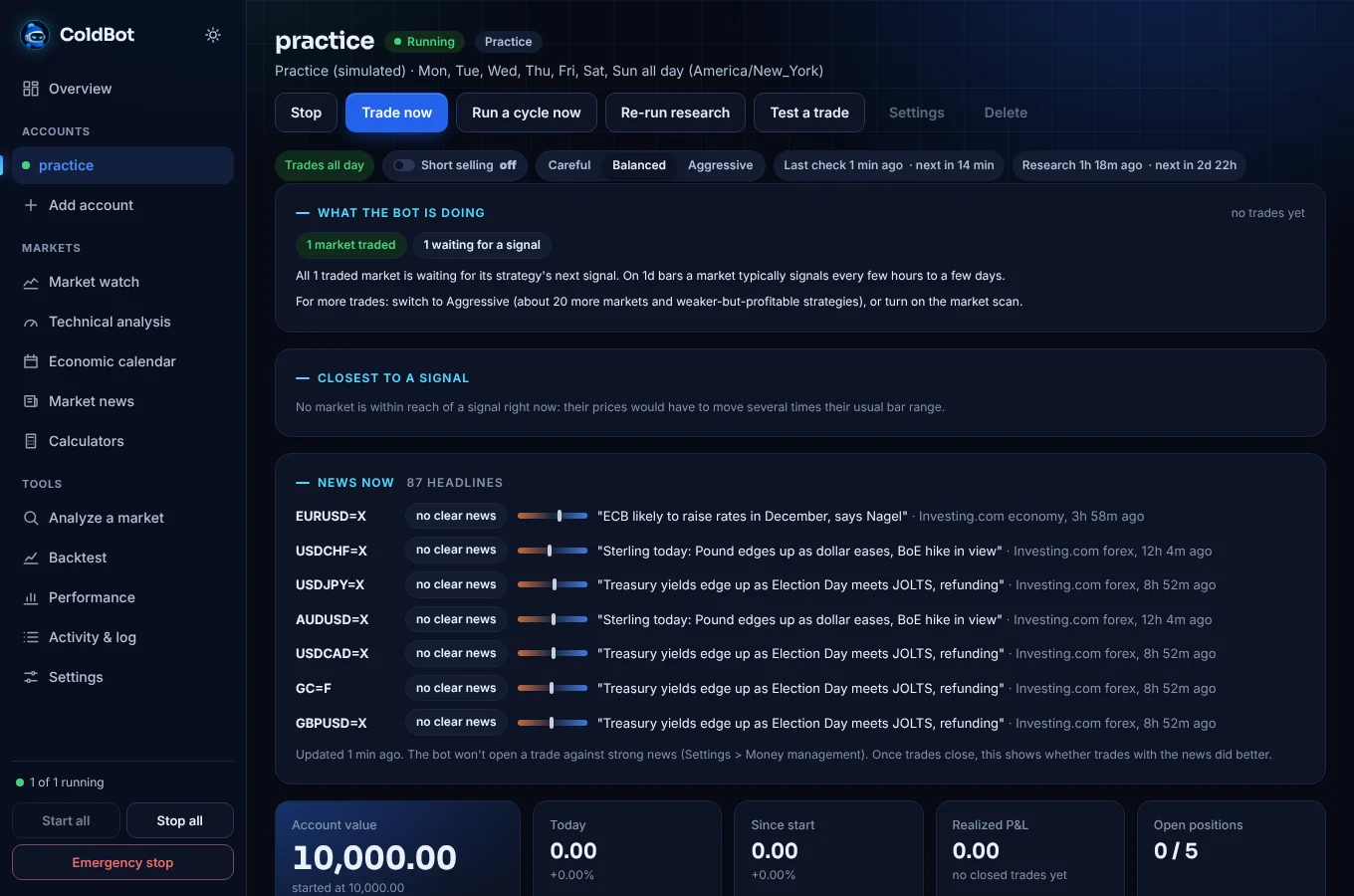
When ColdBot hasn't traded for a while, it tells you why in plain words and what would make it trade more.
Everything about one account, updating live between checks.
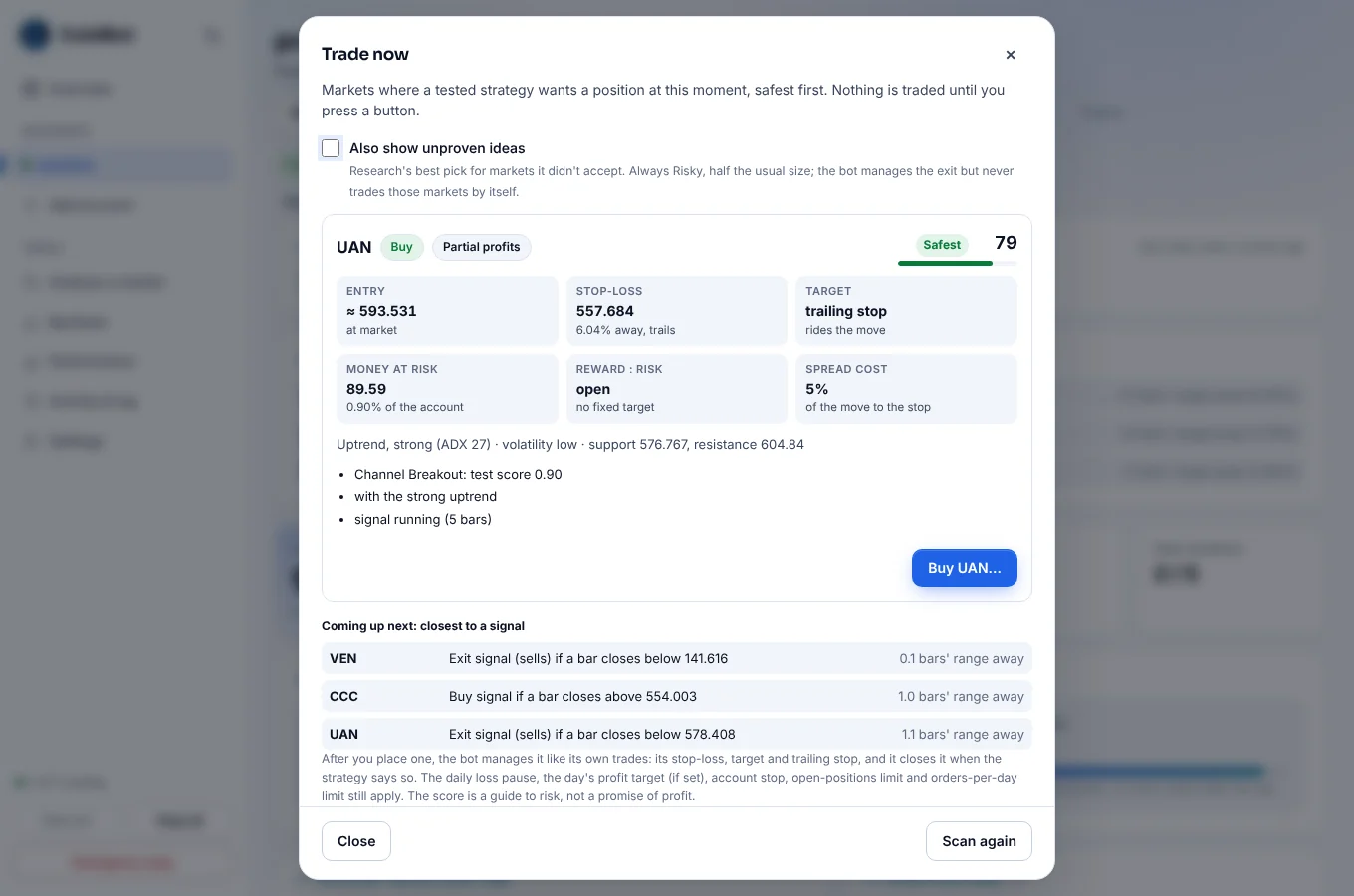
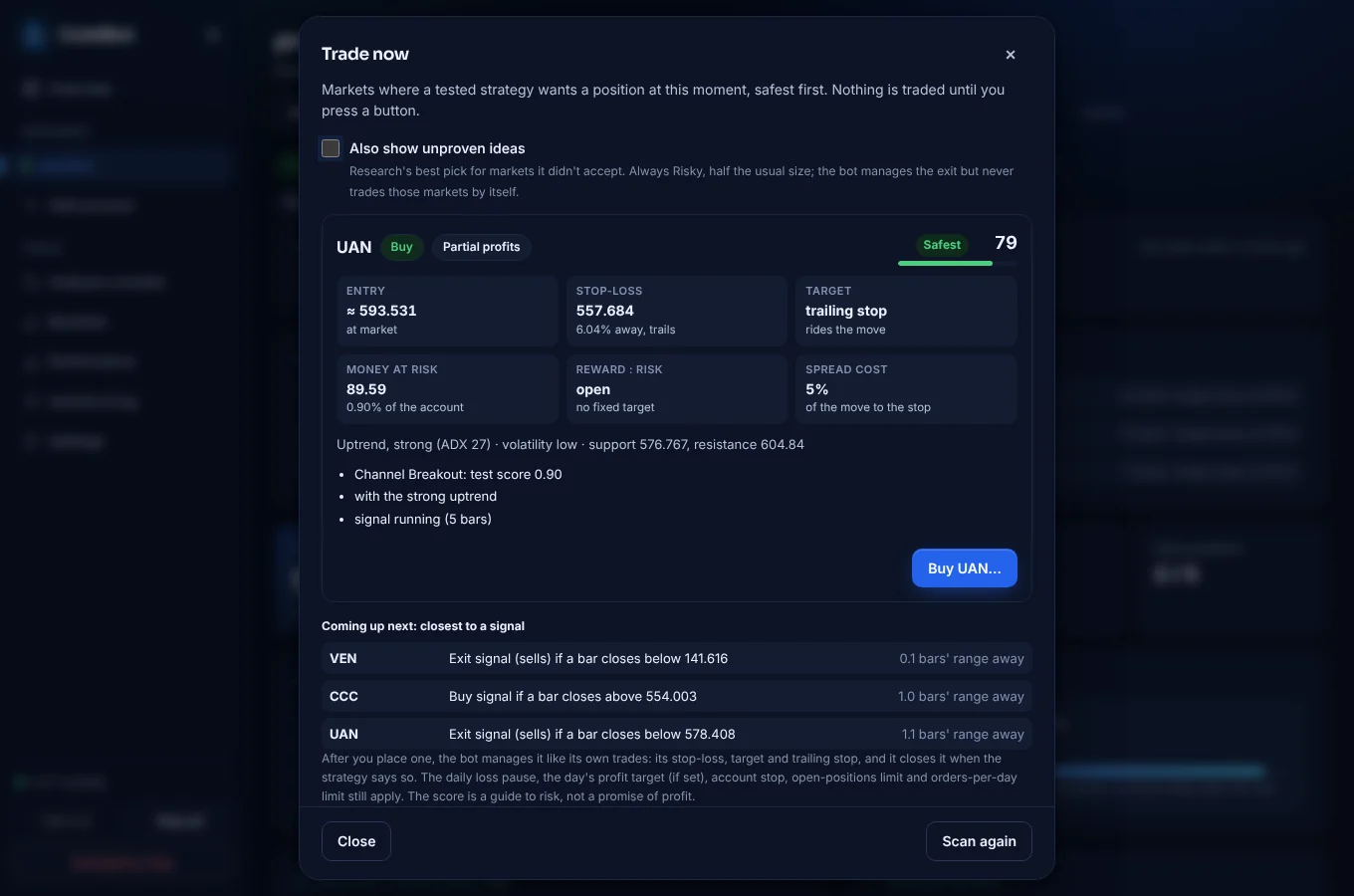
Markets where a tested strategy wants a position right now, safest first. Nothing is traded until you confirm.
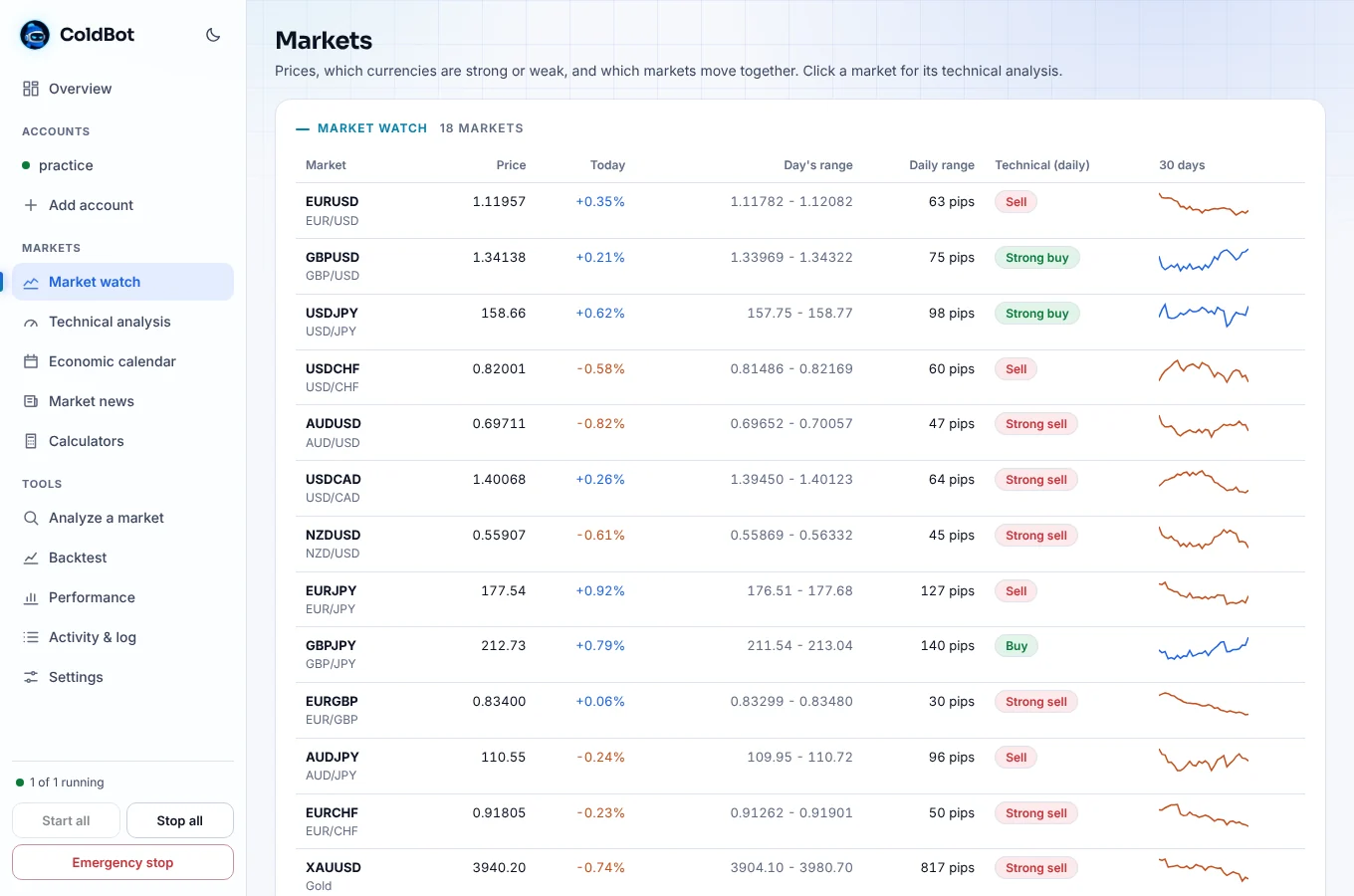
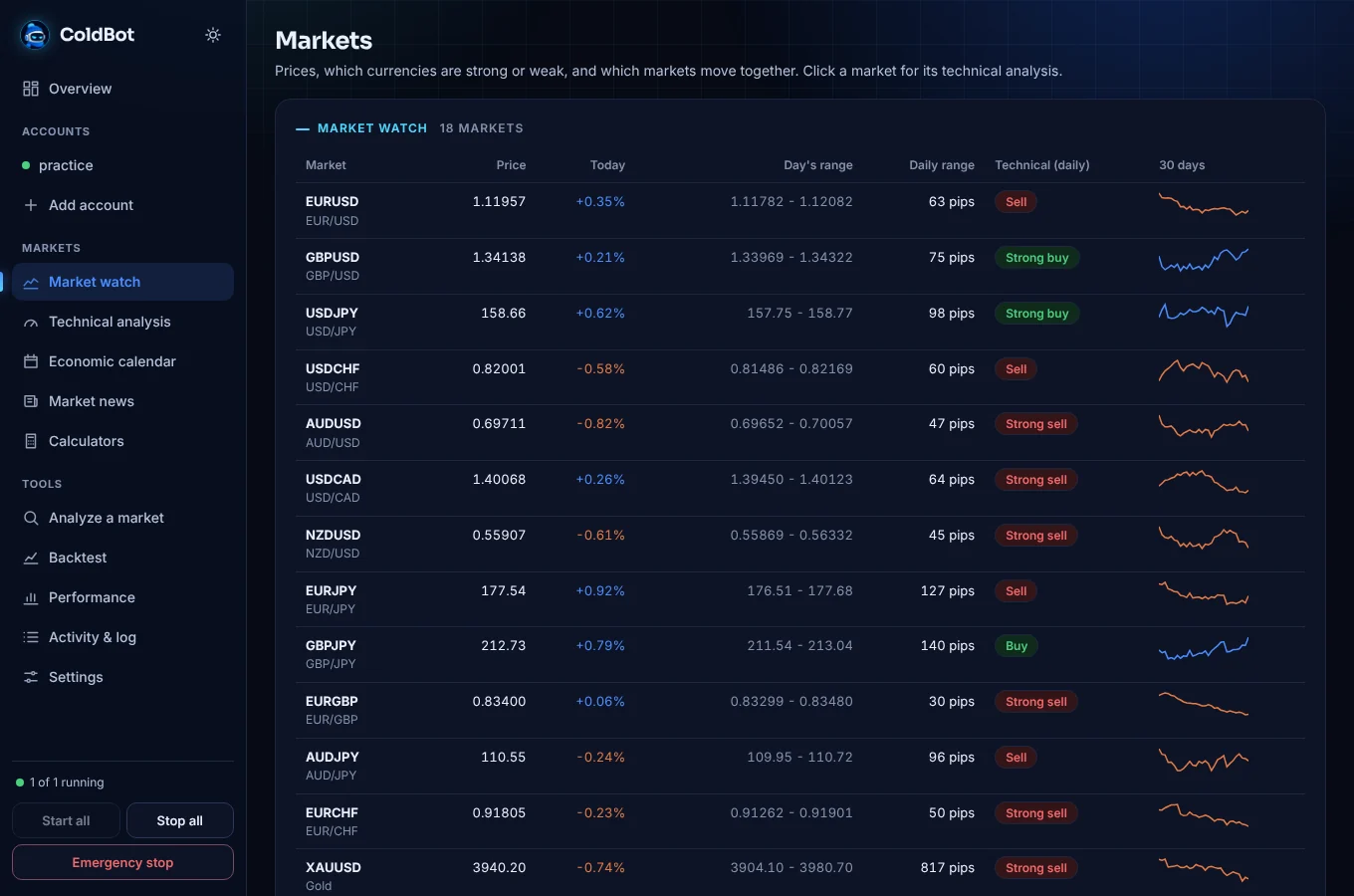
Works with or without MetaTrader open, under MetaTrader's own market names.
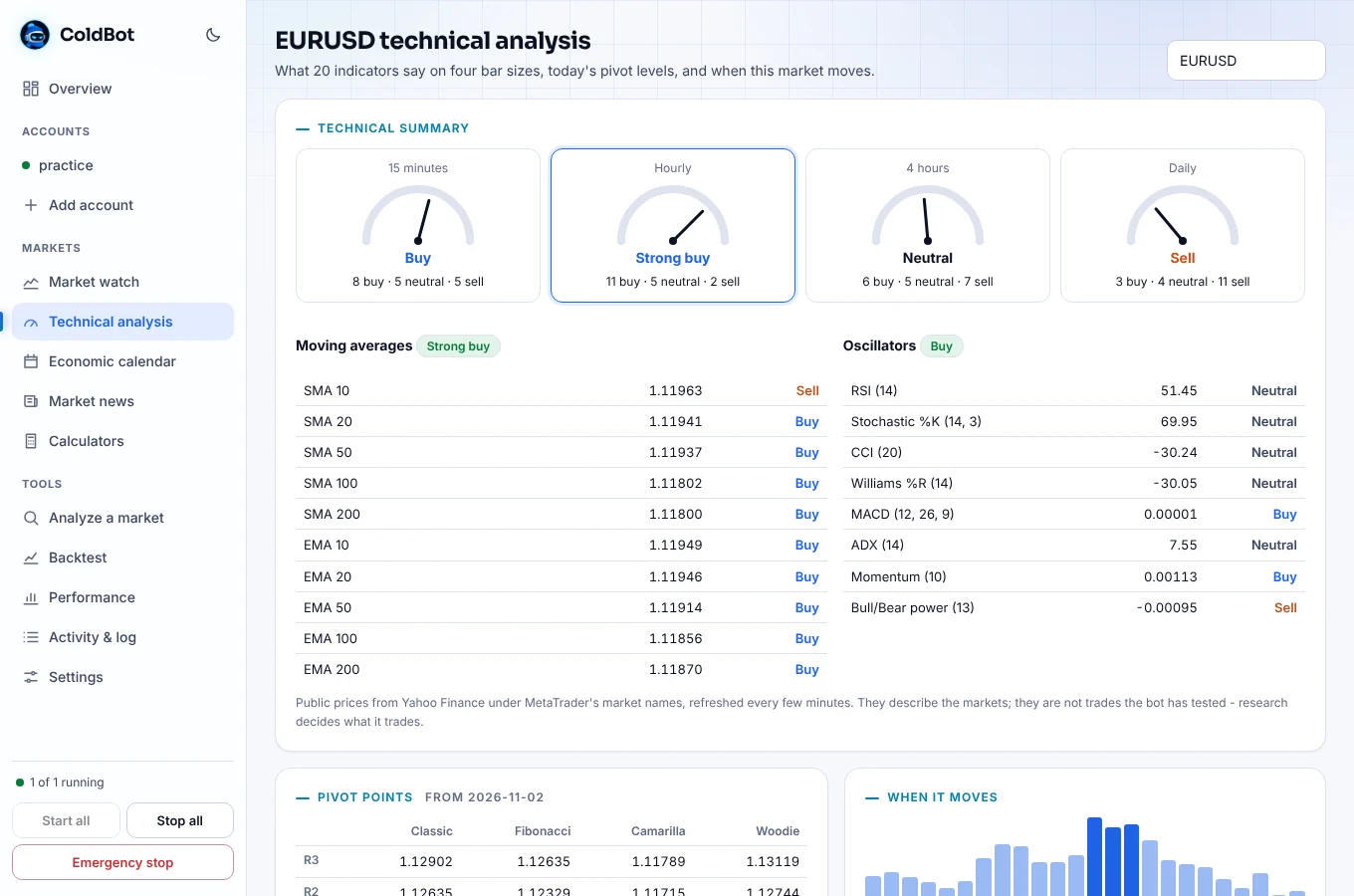
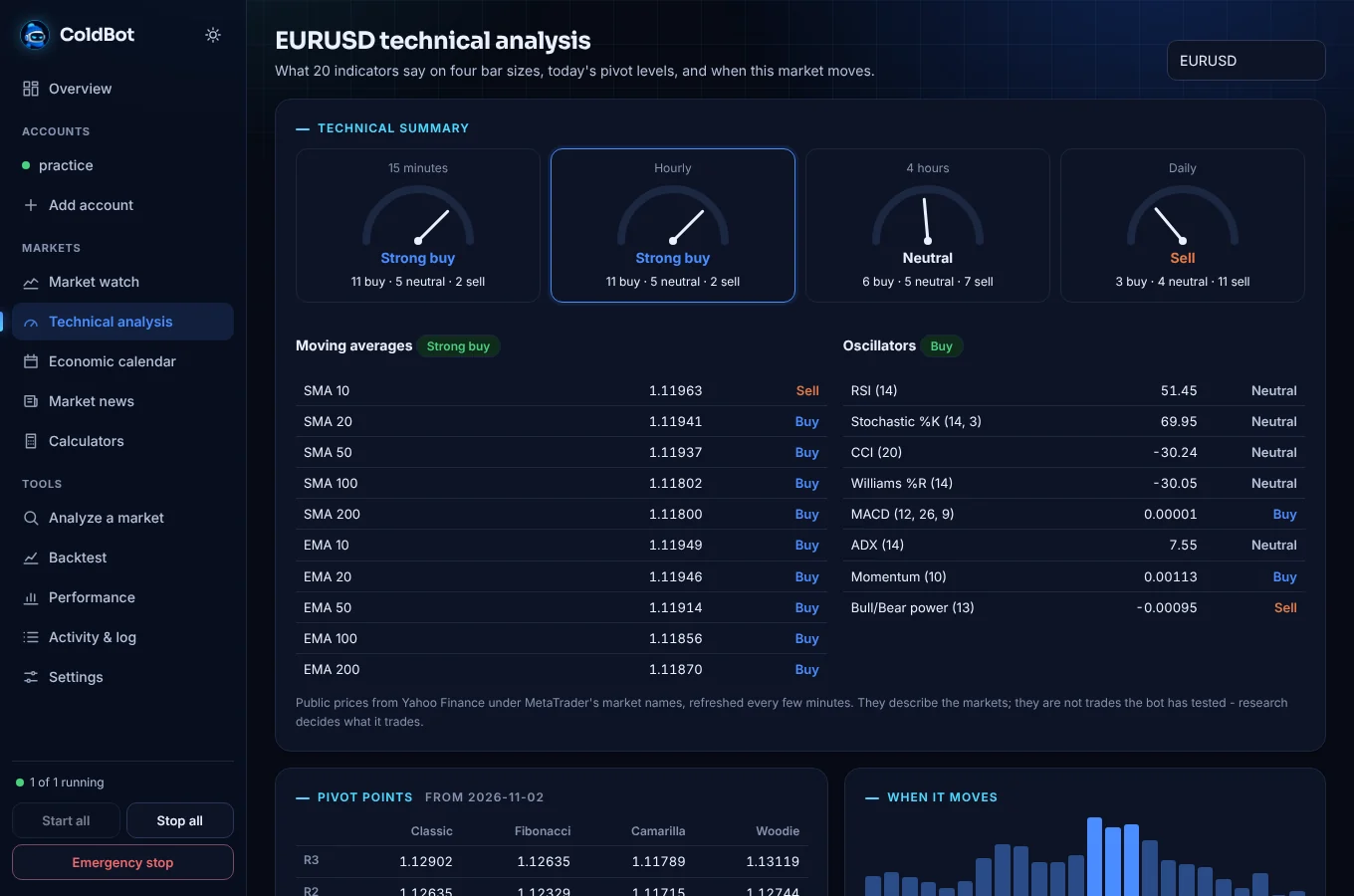
Moving averages and oscillators each vote buy, sell or neutral.
Safety
The stop-losses, the daily loss pause and the account stop always apply, whatever else you change.
I UNDERSTANDMetaTrader 5
ColdBot trades forex and CFDs through the MetaTrader 5 program: currency pairs, gold, silver, oil and stock indices at your broker, on a demo or a real account.
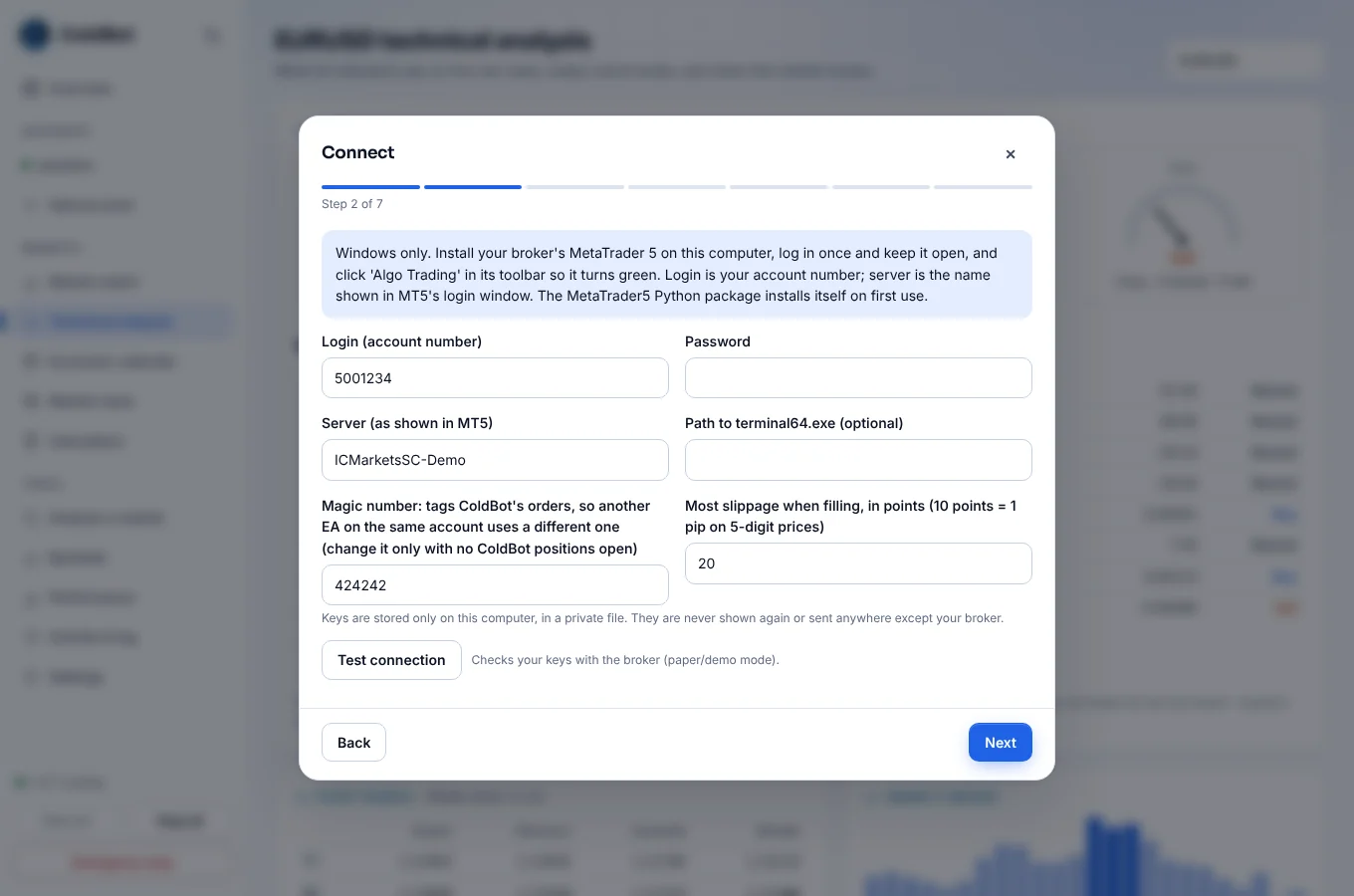
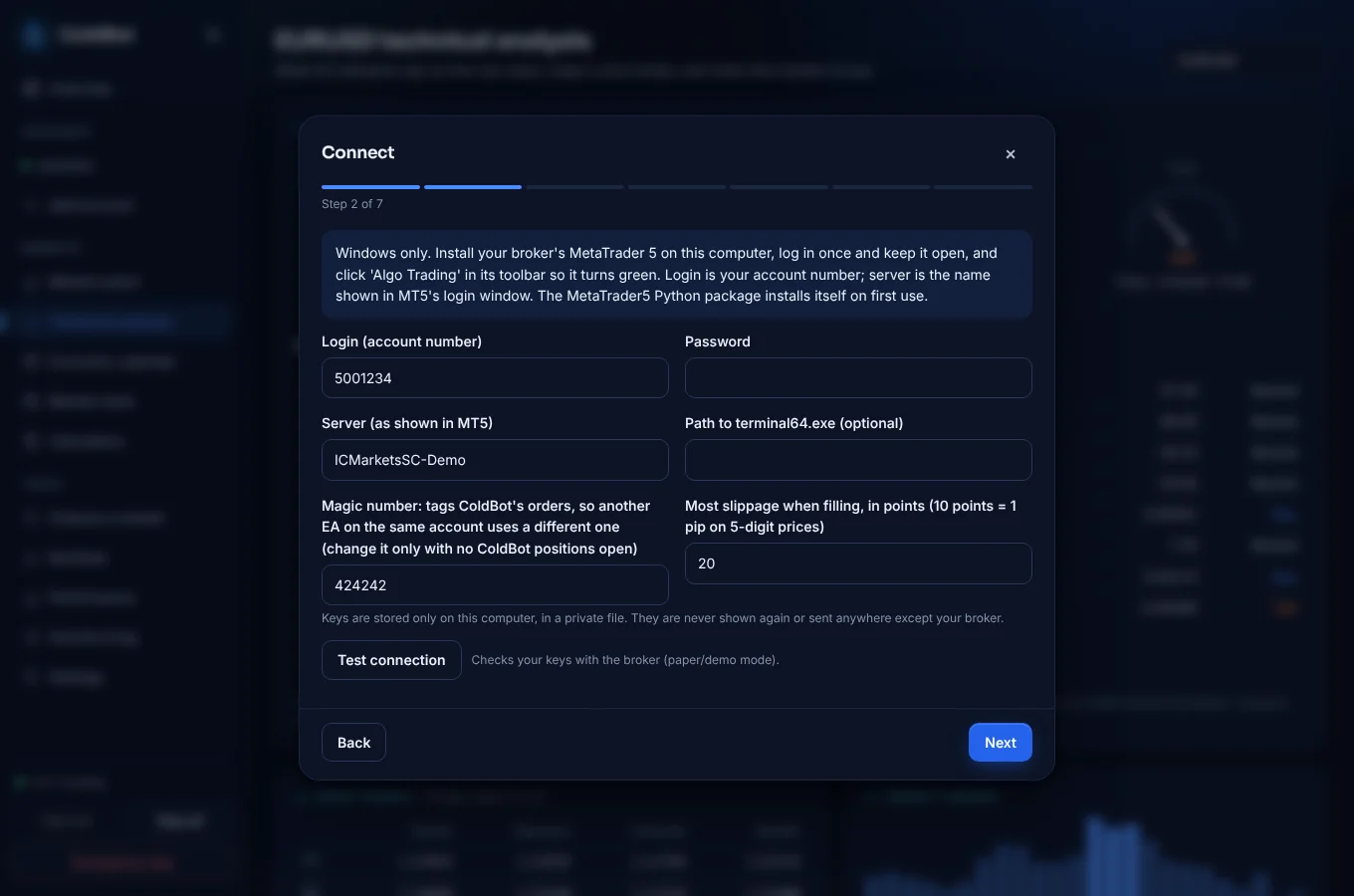
MetaTrader 5 runs on Windows, so ColdBot connects to it on the same Windows PC. The connection is tested against a simulated MetaTrader: start on a demo account and watch the first trades in MT5 itself.
Symbols are found automatically: EURUSD also finds EURUSD.m, EURUSDm or EURUSD.pro, and XAUUSD finds GOLD.
Sized by risk per trade or a fixed lot size, converted into your account's currency (PLN, EUR or any other), and never more than 90% of the free margin.
Every stop-loss and target is also set in MetaTrader itself, so they protect your trades even while your PC is off, asleep or offline.
Stop-loss from tight to very wide, take profit from 1:1 to 3:1 or none, trailing stop, break-even, the most lots in one trade, and trading sessions in one click.
A magic number tags ColdBot's orders, so another Expert Advisor on the same account uses a different one and neither touches the other's trades.
A practice account trades simulated money on real forex and gold prices, with no MetaTrader needed. It also runs on a Mac or Linux.
Telegram
Connect a Telegram bot in three clicks. ColdBot sends you every alert, and while the app runs it takes commands from your chat only. Every Sunday evening you get a weekly report.
/statusAccounts, value, today/positionsOpen positions & P&L/tradesLatest closed trades/reportThe weekly report, any time/run NAME|allStart accounts/stop NAME|allStop (positions stay open)/closeall NAME|allClose the bot's positions/careful/balanced/aggressiveChange how hard it tradesGet started
Practice accounts trade simulated money at real prices, so you can watch ColdBot work before you connect a real MetaTrader account.
Windows may say the program is unrecognised because it isn't code-signed. Choose More info, then Run anyway. The app updates itself.
MetaTrader 5 only runs on Windows. On a Mac or Linux, ColdBot runs practice accounts on real forex and gold prices, with the same research, market pages and alerts.
Cooming Soon.FAQ
No bot can promise that. ColdBot is educational software, not financial advice. A strategy that worked on past data can and often will stop working. What ColdBot does is refuse to trade strategies that only looked good by luck, and enforce your loss limits on every order. Run it on a practice or demo account for weeks before using real money, and only risk money you can afford to lose.
Any broker that offers MetaTrader 5, on a demo or a real account: forex pairs, gold, silver, oil and stock indices. Your broker's own symbol names are found automatically. To try ColdBot without MetaTrader, use a practice account.
No. A practice account uses simulated money, and in practice mode MetaTrader only accepts
a demo account. Switching to real money needs you to type I UNDERSTAND.
Usually one of three reasons: research is still running (a few minutes after you connect), no market passed the walk-forward check, or the strategy currently says "stay out". The account page says which, in plain words, along with what would make it trade more. Adding markets gives it more chances, and every Saturday it suggests markets worth adding.
The bot trades while its engine runs. Closing the window keeps it trading in the background, and it can start when you sign in to Windows. To trade around the clock, keep the PC on. Stop-losses and targets are also held by MetaTrader 5, so they protect open trades even while your PC is off.
Practice accounts do, on a Mac and on Linux. MetaTrader 5 itself runs on Windows, and ColdBot connects to it on the same PC, so a MetaTrader account needs Windows.
It never touches positions it didn't open. Its orders carry a magic number, so another Expert Advisor on the same account uses a different one and neither touches the other's trades. If you trade the same markets by hand, a separate account keeps the numbers clear.
Every 15 minutes it reads headlines from free feeds and works out who each one is about and which way: "Strong dollar weighs on gold" reads dollar up, gold down. By default it won't open a trade against strong news; exits are never affected. Headlines can't be back-tested the way strategies are, so the news only holds the bot back, and the account page shows how trades with and against the news did.
Earlier versions also traded stocks and crypto through other brokers. ColdBot now focuses on MetaTrader 5. An account saved with one of those brokers is set aside with an alert, and its trade history is kept; check any positions it opened on that platform yourself.
The Windows app checks for new releases every 6 hours and shows Update ready in the sidebar. Go to Settings → Updates → Update now. Your accounts, keys and history are kept in a separate data folder, so they survive updates.
Install ColdBot, start a practice account or connect a MetaTrader 5 demo, and watch how it researches, trades and protects the account.